

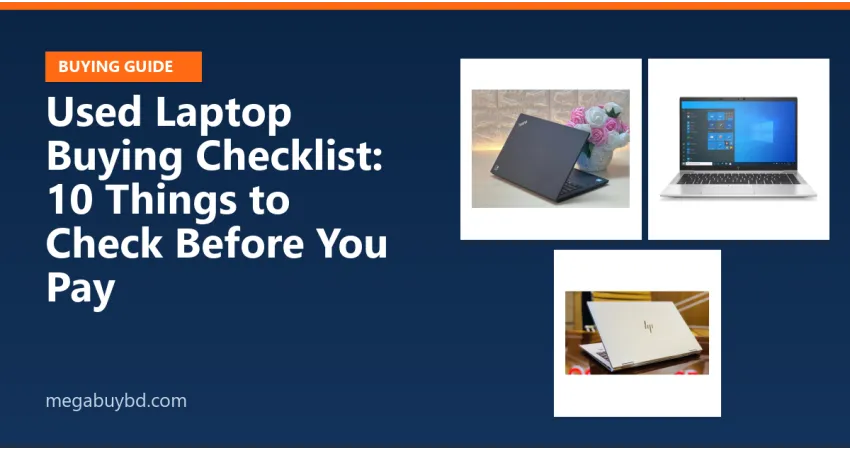
A good used business laptop, such as a ThinkPad, EliteBook or Latitude, can be faster and better built than a new budget laptop. The key is checking it properly. Use this list, whether you buy from us or anyone else.
The 10-point checklist
- Processor generation. Open Settings → System → About. Newer generations are faster and more efficient. Make sure it matches the listing.
- RAM and upgrade options. 8 GB is the comfortable minimum for Windows today. Ask whether RAM is soldered or can be upgraded later.
- SSD, not hard disk. An SSD makes the biggest speed difference. Check its health with a free tool such as CrystalDiskInfo; "Good" with a high percentage is what you want.
- Battery health. In Command Prompt, run
powercfg /batteryreportand open the report. Compare Full charge capacity with Design capacity. A big gap means a shorter backup. - Screen. Show a full white and a full black image to look for dead pixels, bright spots and lines. Check the hinges open and close smoothly.
- Keyboard and touchpad. Type every key in Notepad. Test left and right click and scrolling.
- Ports, WiFi and Bluetooth. Plug something into every USB port, connect to WiFi, and test the headphone jack, webcam and microphone.
- BIOS or system lock. Restart and enter the BIOS. If it asks for a password, or the laptop is managed by a company (look for "managed by your organisation"), do not buy it.
- Windows activation. Check Settings → System → Activation.
- Charger and warranty. Make sure the charger is the right wattage for the model, and ask in writing what the shop's warranty covers and for how long.
Who is a used laptop right for?
Students, office work, browsing, online classes and light photo editing. For heavy gaming or video editing, a newer machine with a dedicated graphics card is a better fit.
Browse our used laptop collection, including ThinkPad, HP and Dell. Ask on WhatsApp and we will share the battery report and a video of the laptop before you order.



There are no comments for this Article.