

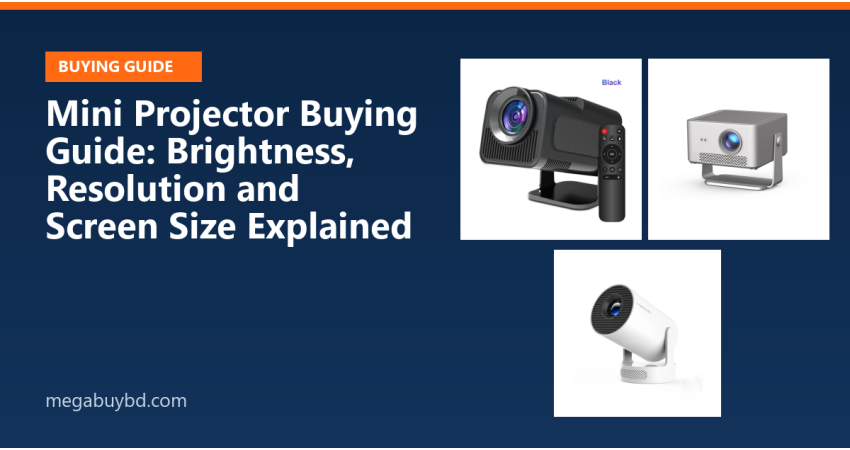
A projector turns a plain wall into a 100-inch screen for the price of a mid-size TV. But projector listings are full of confusing numbers. Here is what to look at, and what to ignore.
1. Brightness: ANSI lumens, not "lumens"
Brightness decides whether you can watch with some light in the room. ANSI lumens is a standard measurement. Many low-cost projectors print a much bigger "lumens" or "LED lumens" number that cannot be compared. When a listing gives both, trust the ANSI figure.
- Dark bedroom at night: a modest ANSI rating is enough.
- Living room with some light: choose a brighter model and close the curtains.
2. Native resolution vs "supported" resolution
"Supports 4K" usually means the projector can accept a 4K signal, then shows it at its own lower resolution. What you actually see is the native resolution: 720p is acceptable for small pictures, native 1080p looks clearly sharper on a big screen.
3. Screen size and throw distance
The throw ratio tells you how far the projector must stand from the wall for a given picture width. Measure your room first. If the projector has to sit behind your sofa, check that the picture size at that distance suits you.
4. Keystone and focus
If the projector is not exactly in front of the wall, the picture becomes a trapezoid. Keystone correction fixes this; automatic keystone and autofocus make setup much easier. Digital correction slightly reduces sharpness, so placing the projector straight is still best.
5. Smart features
Some projectors run Android TV or a Google-certified system with Netflix and YouTube built in. Others need a TV stick. Check which apps work officially, and whether WiFi screen mirroring supports your phone.
6. Sound and connections
Built-in speakers are fine for casual viewing. For films, connect a soundbar or Bluetooth speaker. Check for HDMI (for laptops, TV boxes and game consoles), USB and audio out.
7. A screen makes a difference
A smooth, white surface improves contrast and colour. A projector screen or screen paper is an inexpensive upgrade over a textured wall. See our projector screen paper.
Explore our mini projectors and full projector range. Tell us your room size and when you plan to watch on WhatsApp, and we will suggest the right brightness and model.



There are no comments for this Article.